9eSIM free 1 GB global data: claim tutorial
Own a 9eSIM V0 MAX or V3? Follow this step-by-step tutorial to claim and install a free 1 GB global data plan (valid 730 days).
Eligibility: you must own a 9eSIM V0 MAX or 9eSIM V3 card.
Step 1 — Download the 9eSIM app
Download: Google Play
Step 2 — Go to the event page
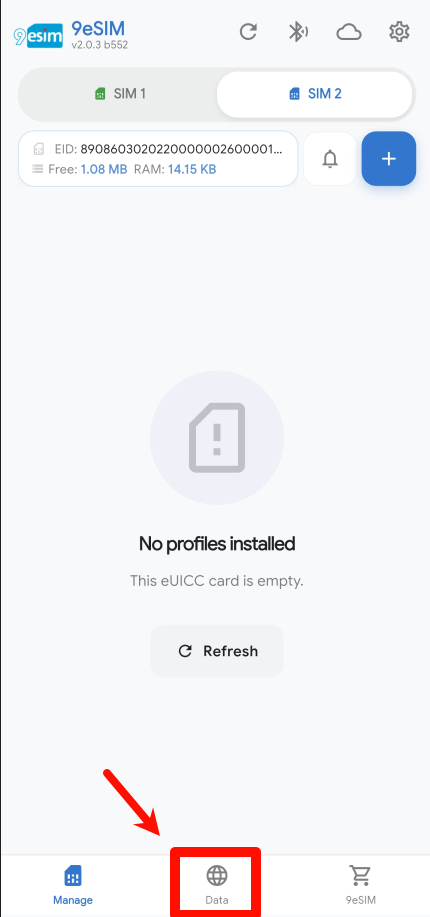
Tap Data at the bottom of the screen.
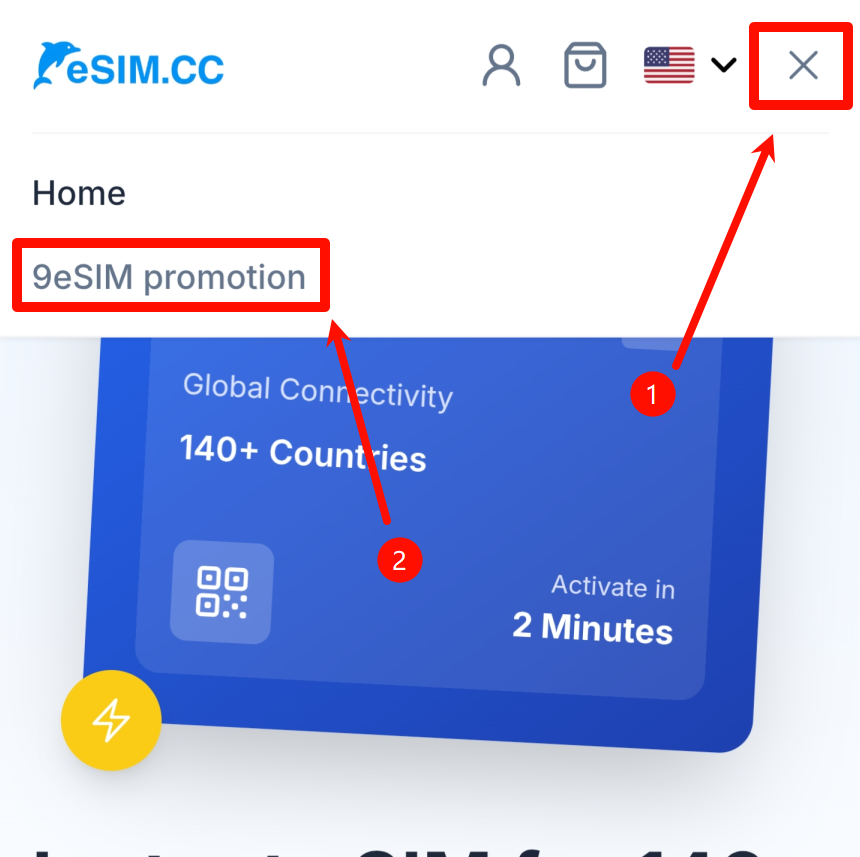
Tap the menu icon in the top-right corner, then select 9eSIM promotion.
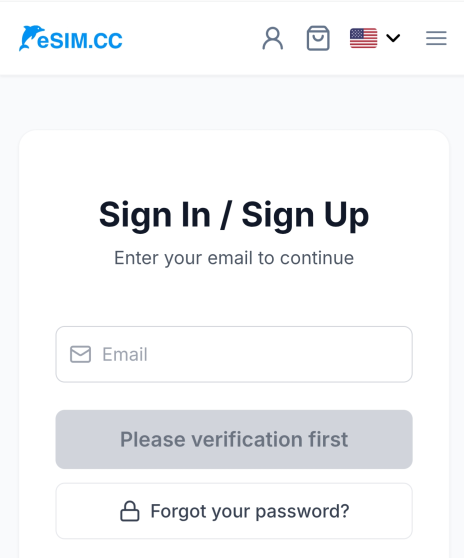
Log in or register an account on the global data platform eSIM.cc.
Step 3 — Verify your card and claim
Tap Claim Now.
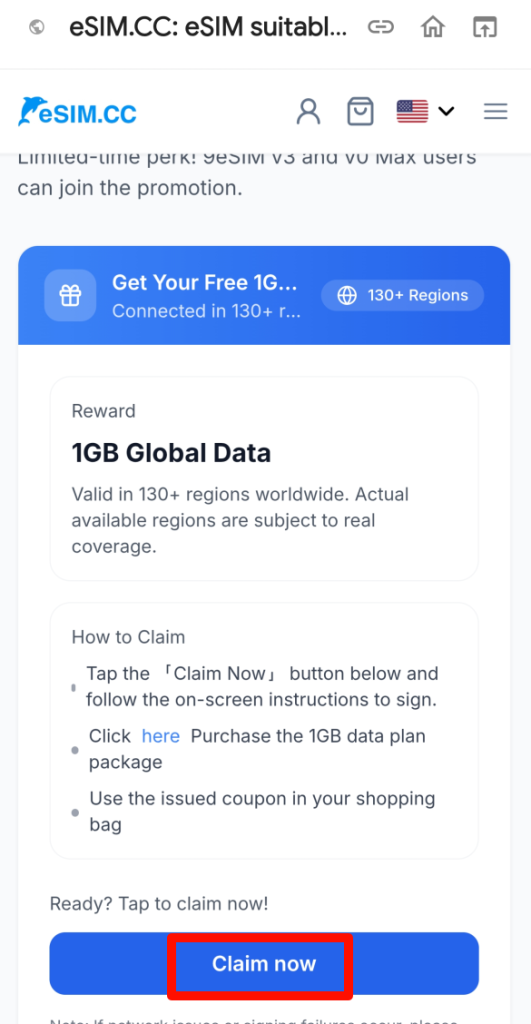
Select the 9eSIM card you want to verify, then tap Sign.
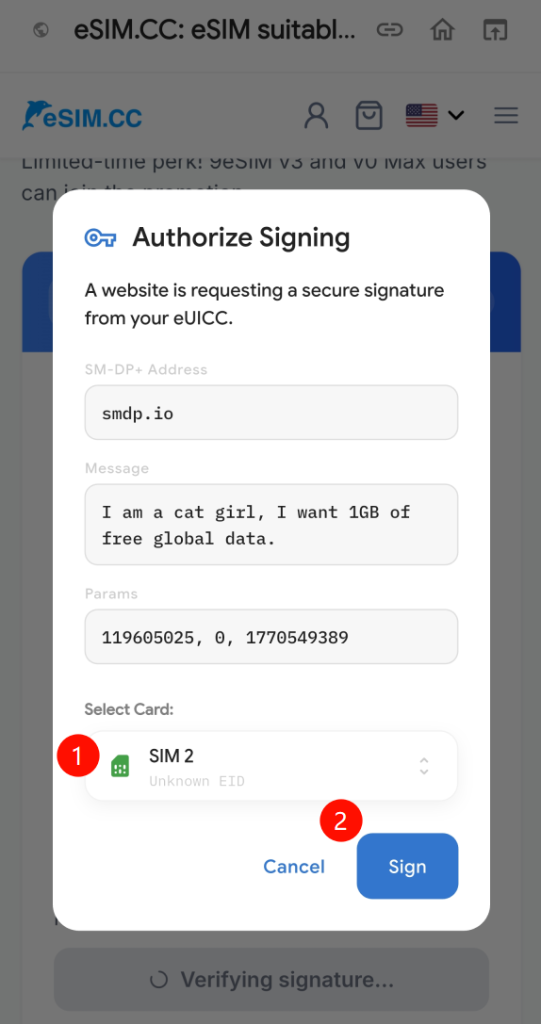
Step 4 — Place a free order and activate
Scroll down, select 1 GB / 730 days, then tap Buy Now.
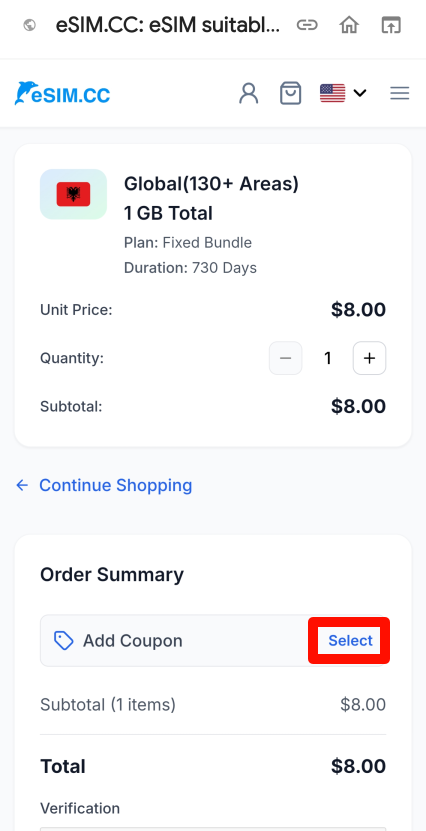
On the order confirmation page, tap Select.
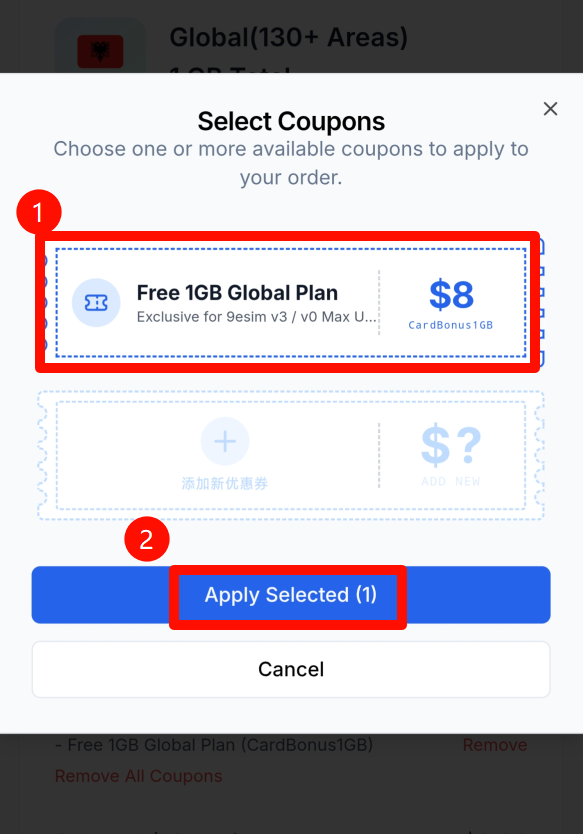
Select the Free 1GB Global Plan coupon and apply it.
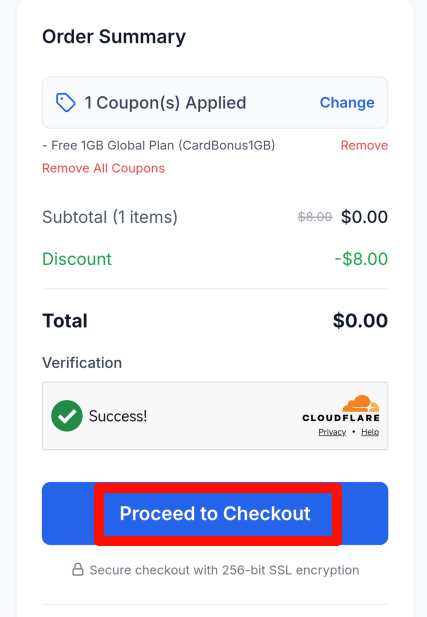
The order total should be $0. Tap Proceed to Checkout, then Pay Now.
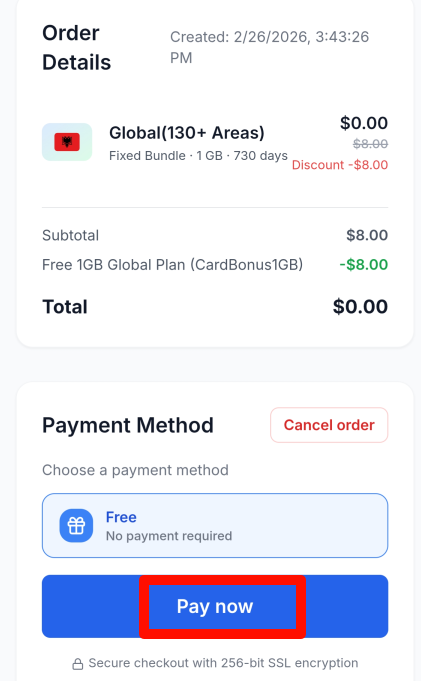
You've successfully claimed the plan. Tap View to see the eSIM QR code — it's also sent to your registered eSIM.cc email.
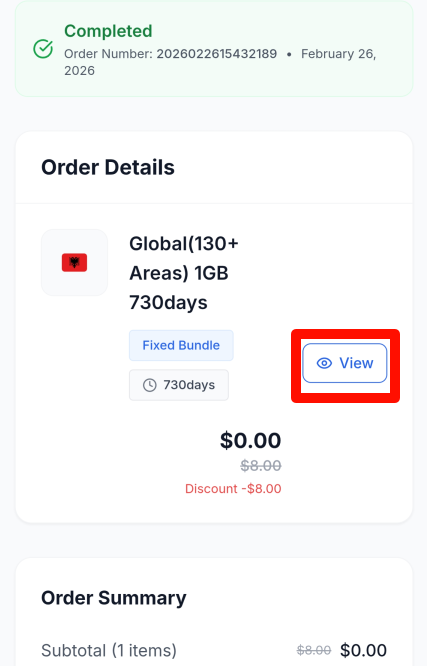
Step 5 — Install the eSIM
Tap Install Now to proceed.
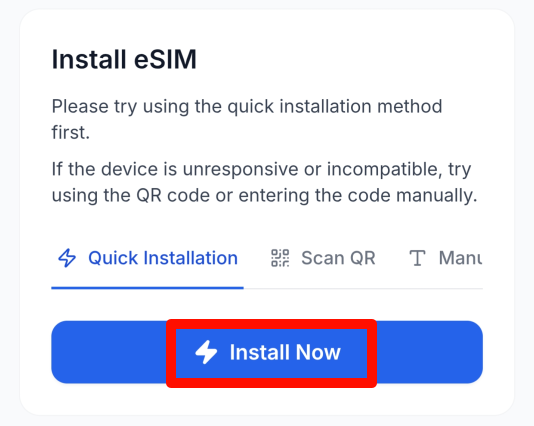
If your device is unresponsive or incompatible, use the manual installation steps below.
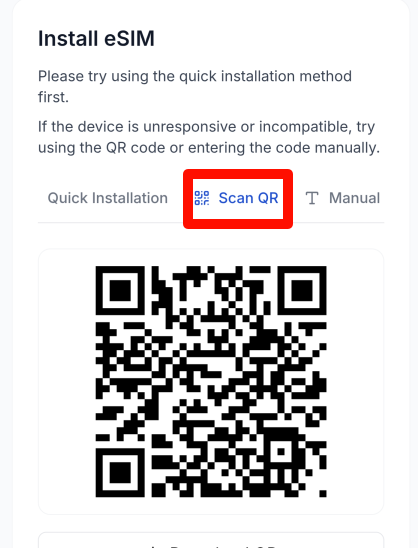
Tap QR Code to display it, then take a screenshot. This QR code is your voucher — don't share it. You can also find it in your email.
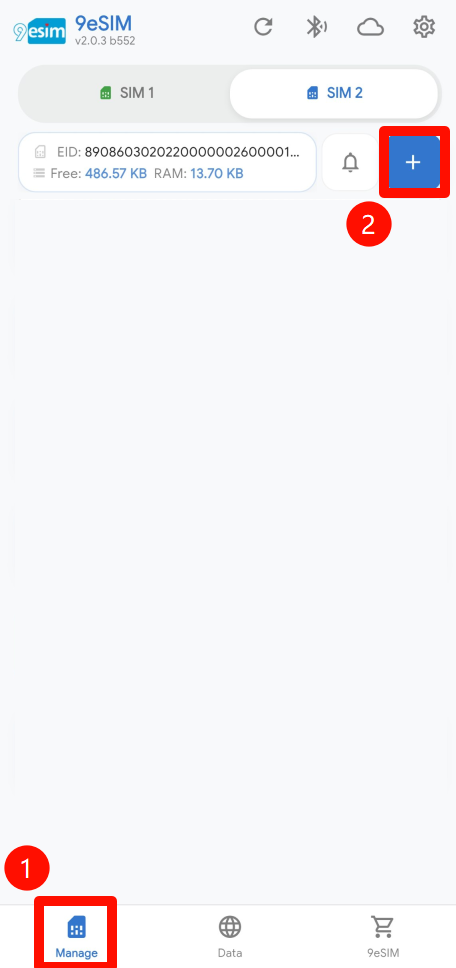
Tap Manage at the bottom of the app, then tap the download button in the top-right corner.
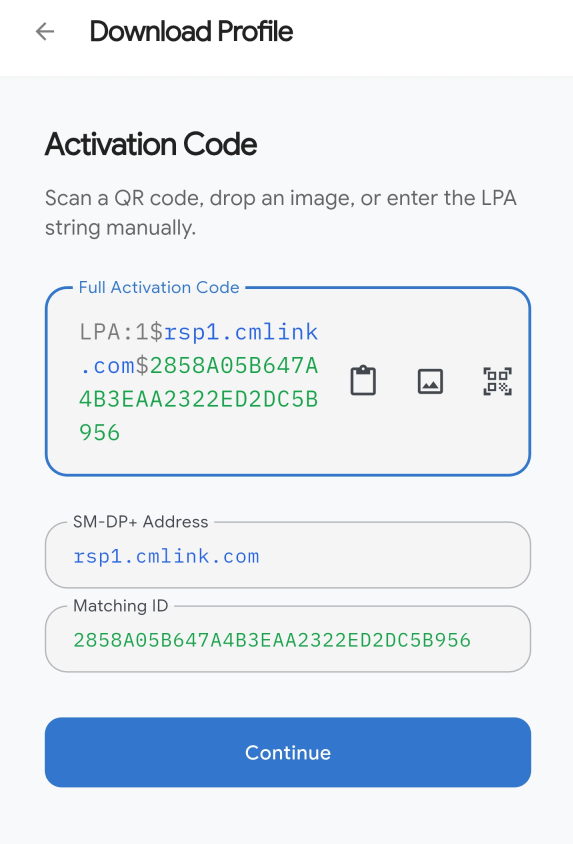
Choose to paste from the clipboard, select from your gallery, or scan with the camera.
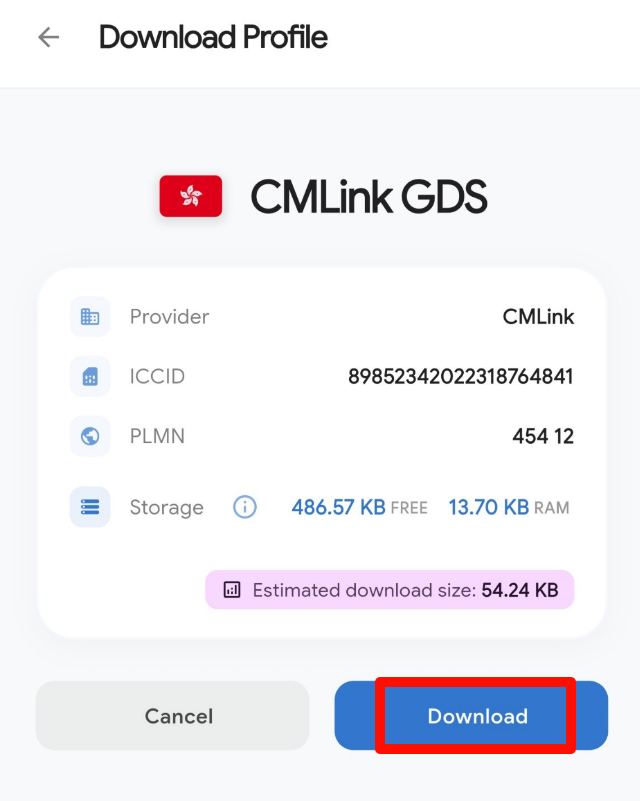
Select Download.
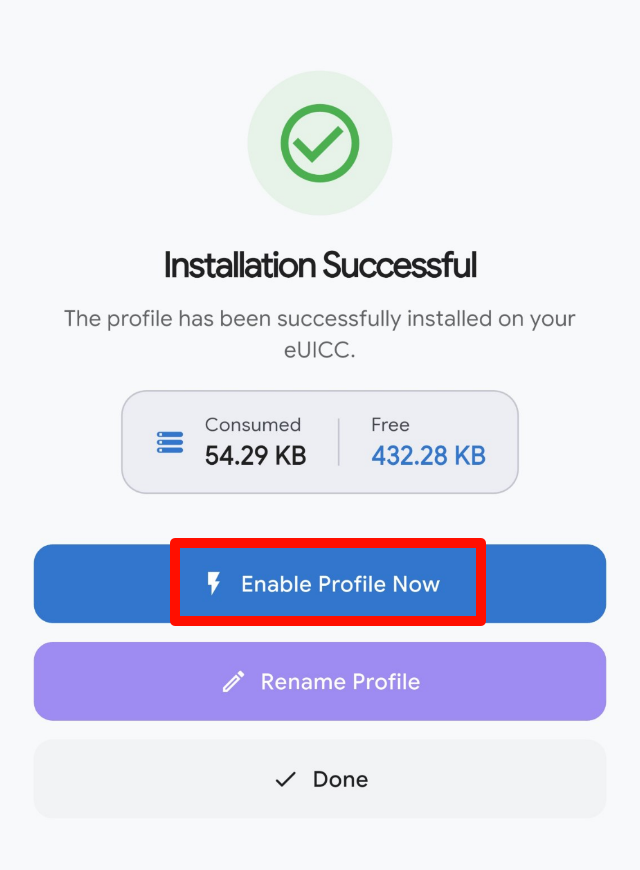
eSIM installed successfully. To use data right away, select Turn on profile. You may also need to enable Data Roaming in your phone's settings.